Mission Brief
What this lecture will achieve
Mindset
Students understand that they do not need to fear technical tools.
Direction
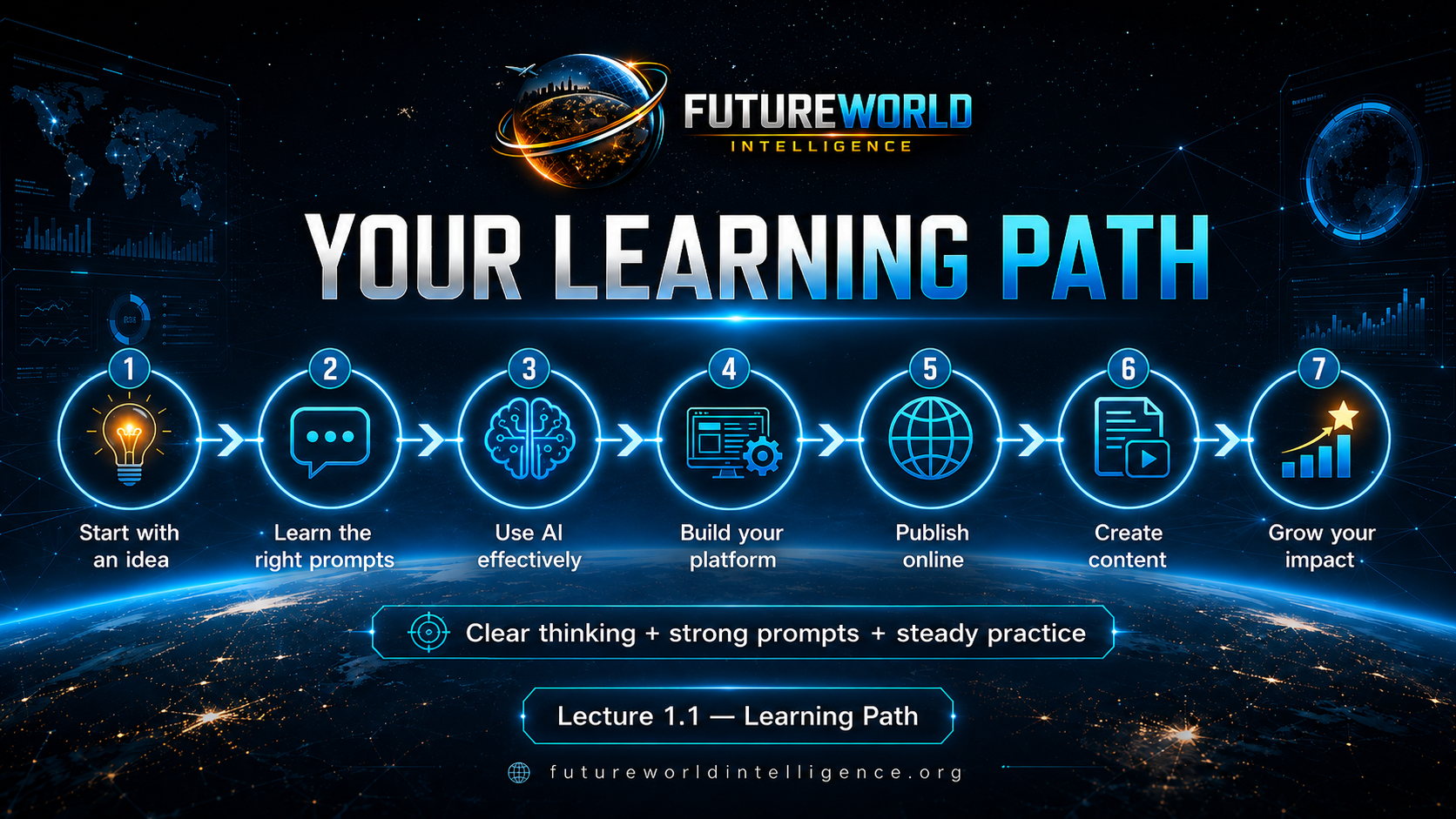
Students understand that AI can help them learn, build and publish step by step.
Prompt Power
Students understand that correct prompts are the bridge between their idea and practical output.
Core Message
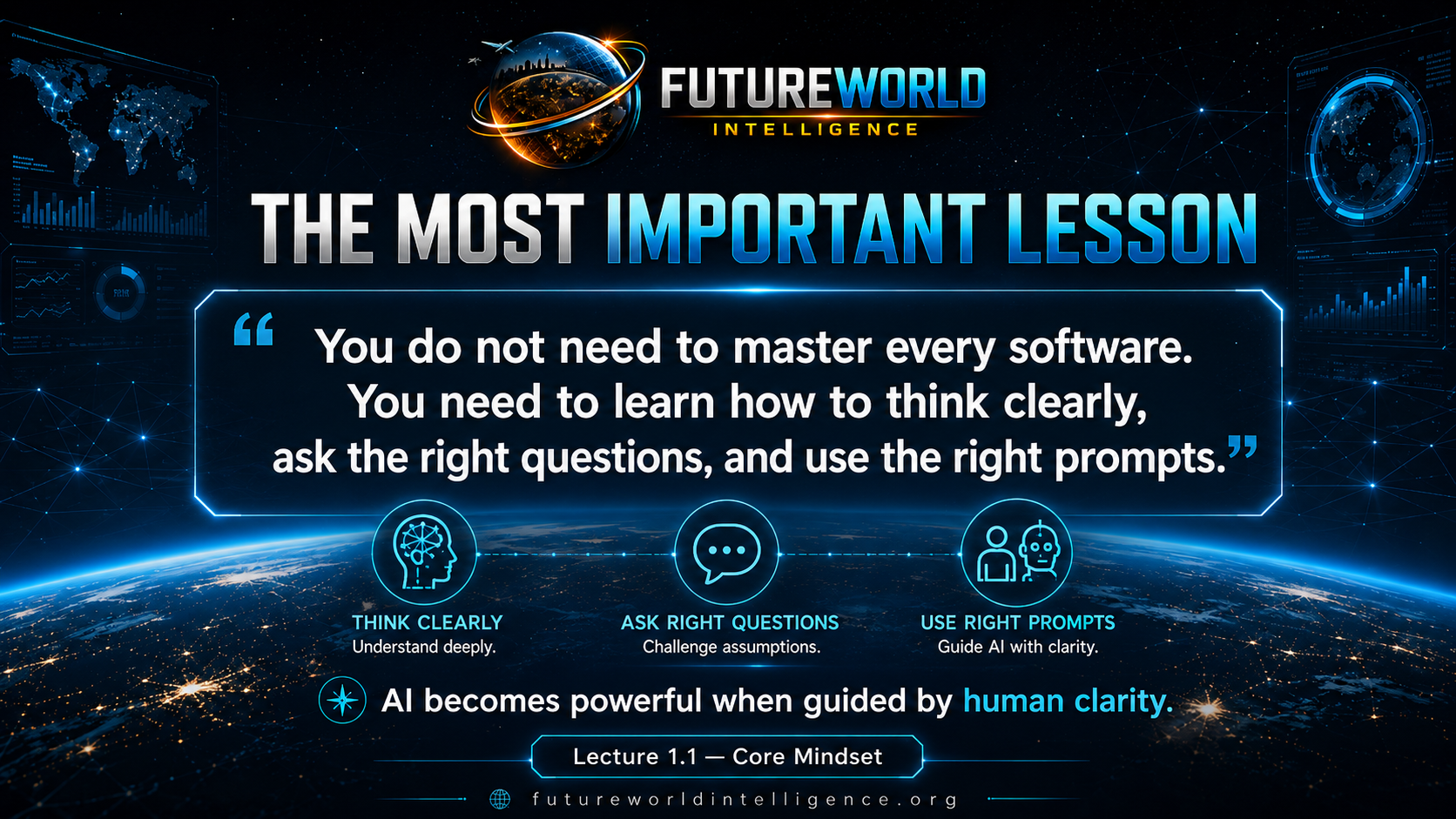
You do not need to master every software
Beginner-Friendly Explanation
What does this really mean?
Software is only a tool. In the past, people had to memorize menus, commands and workflows before they could create anything. Today, AI can guide a learner through many of those steps. But AI needs clear instructions. The better your thinking, the better your prompt. The better your prompt, the better your result.
Clear thinking
Know what you want to build before asking AI for help.
Right questions
Ask AI for step-by-step help, examples, checks and corrections.
Strong prompts
Give context, role, task, format, constraints and expected output.
Practical Possibilities
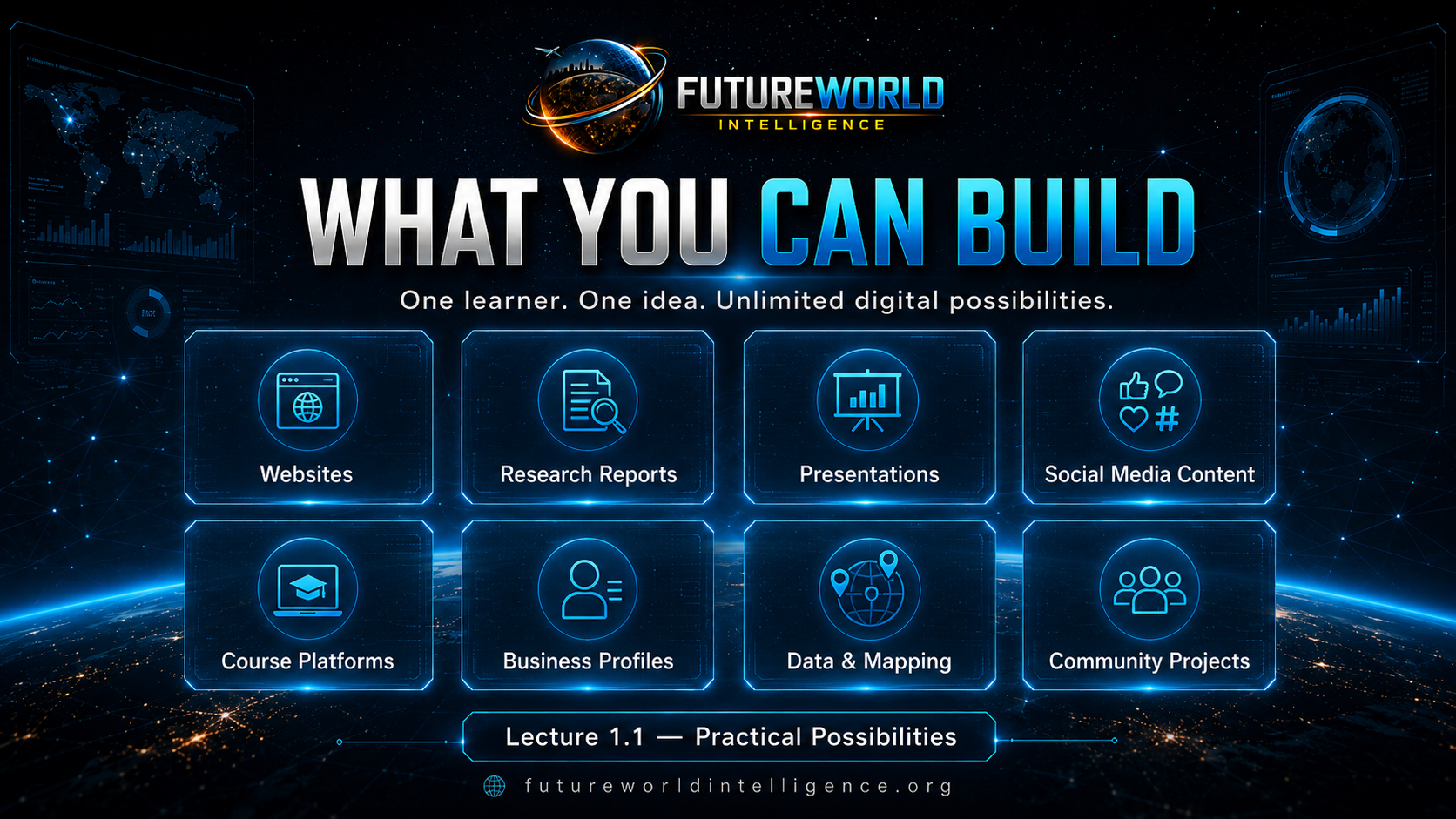
What can students build?
Websites
Personal, educational, business, NGO, portfolio or community websites.
Research reports
AI-assisted drafts, summaries, briefs and structured analysis.
Presentations
Lecture slides, project decks, HTML presentations and visual explainers.
Social content
Captions, scripts, reels, carousels, thumbnails and campaign plans.
Data and maps
Simple GIS explanations, data stories and map-based planning ideas.
Community projects
Profiles, proposals, awareness campaigns and local action platforms.
Course Roadmap
Where this course will take students
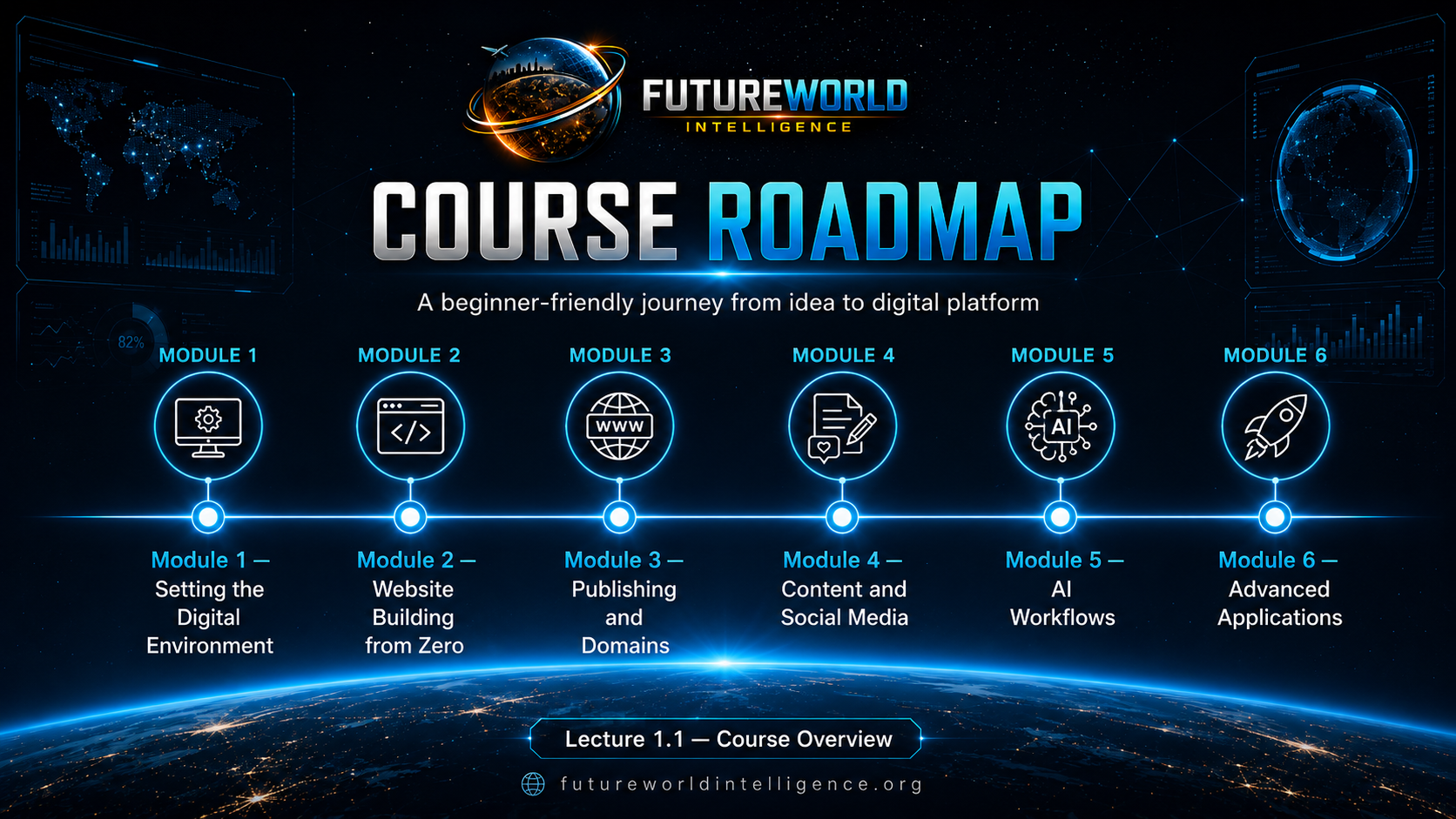
The course moves from mindset to action, then from action to public impact.
- Module 1: Set up the digital environment.
- Module 2: Build a website from zero.
- Module 3: Publish online and connect a domain.
- Module 4: Create content and share it across platforms.
- Module 5: Use AI workflows for productivity and learning.
- Module 6: Apply the system to advanced real-world projects.
Lecture 1.1 Prompt Lab
Practical AI Prompt Bank
This section keeps the practical prompts from the original Lecture 1.1 and adds two more beginner prompts. Students should copy, customize and use these prompts before moving forward.
Act as a beginner-friendly digital skills teacher. I want to build a simple digital platform about [write your topic]. Explain what type of website I should create, what pages it should contain, and what tools I need in simple language.
Act as my personal AI mentor.

I am a complete beginner.

Help me understand how AI can assist me in learning, creating, and building practical projects.

Explain using simple language and practical examples.

Then ask me 5 questions to understand what kind of digital platform I want to build.
I am a beginner and I want to build a digital platform about [write your topic]. Create a simple learning roadmap for me. Break the journey into small steps. Tell me what I should learn first, what tools I need, and what practical task I should complete today.
Practice Task
Before Lecture 1.2
Task 1
Write one idea for a website or digital platform you want to build.
Task 2
Run at least two prompts from the Prompt Lab in ChatGPT and save the answers in your notes.
Task 3
Write three things you believe AI can help you learn or create.
Final Checklist
Lecture 1.1 complete
- I understand that I do not need to become an expert in every software.
- I understand that clear thinking and correct prompts are powerful skills.
- I understand that AI can guide me step by step.
- I have selected one idea for a digital platform.
- I have used at least two prompts from the Lecture 1.1 Prompt Lab.
Evidence and maintenance record
Source basis and lineage
This lecture is an original FWI instructional synthesis introducing project-based, AI-assisted learning.
Scope note: AI output can be incorrect. Learners remain responsible for checking important information and testing their work.
Sources and lineage reviewed 16 July 2026.