Mission Brief
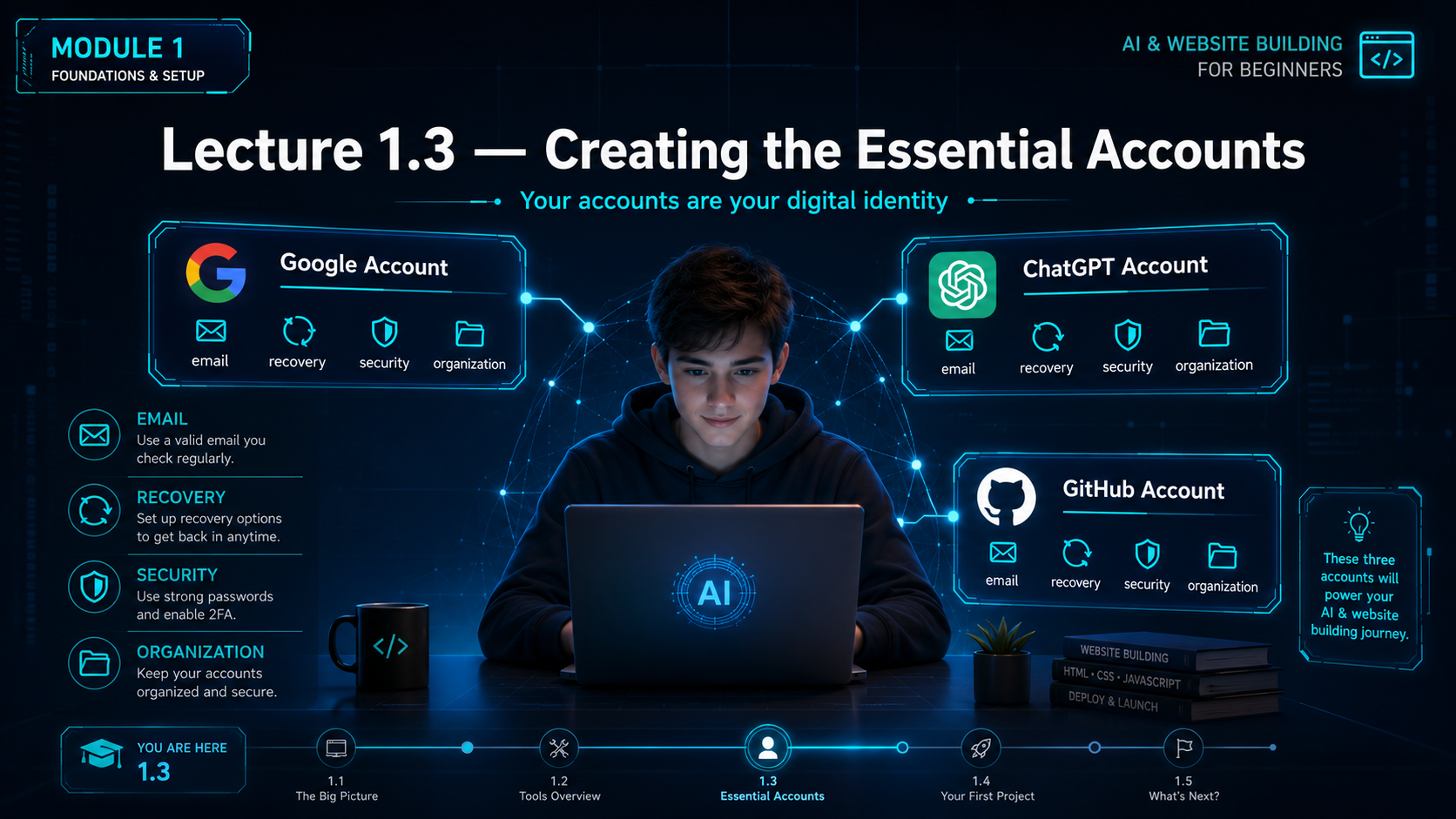
What this lecture will achieve
Create core accounts
Students understand why Google, ChatGPT and GitHub accounts are needed.
Protect access
Students learn password safety, recovery settings and two-factor authentication.
Stay organized
Students create a simple account record and use professional naming habits.
Core Message
Your accounts are your digital identity
Essential Accounts
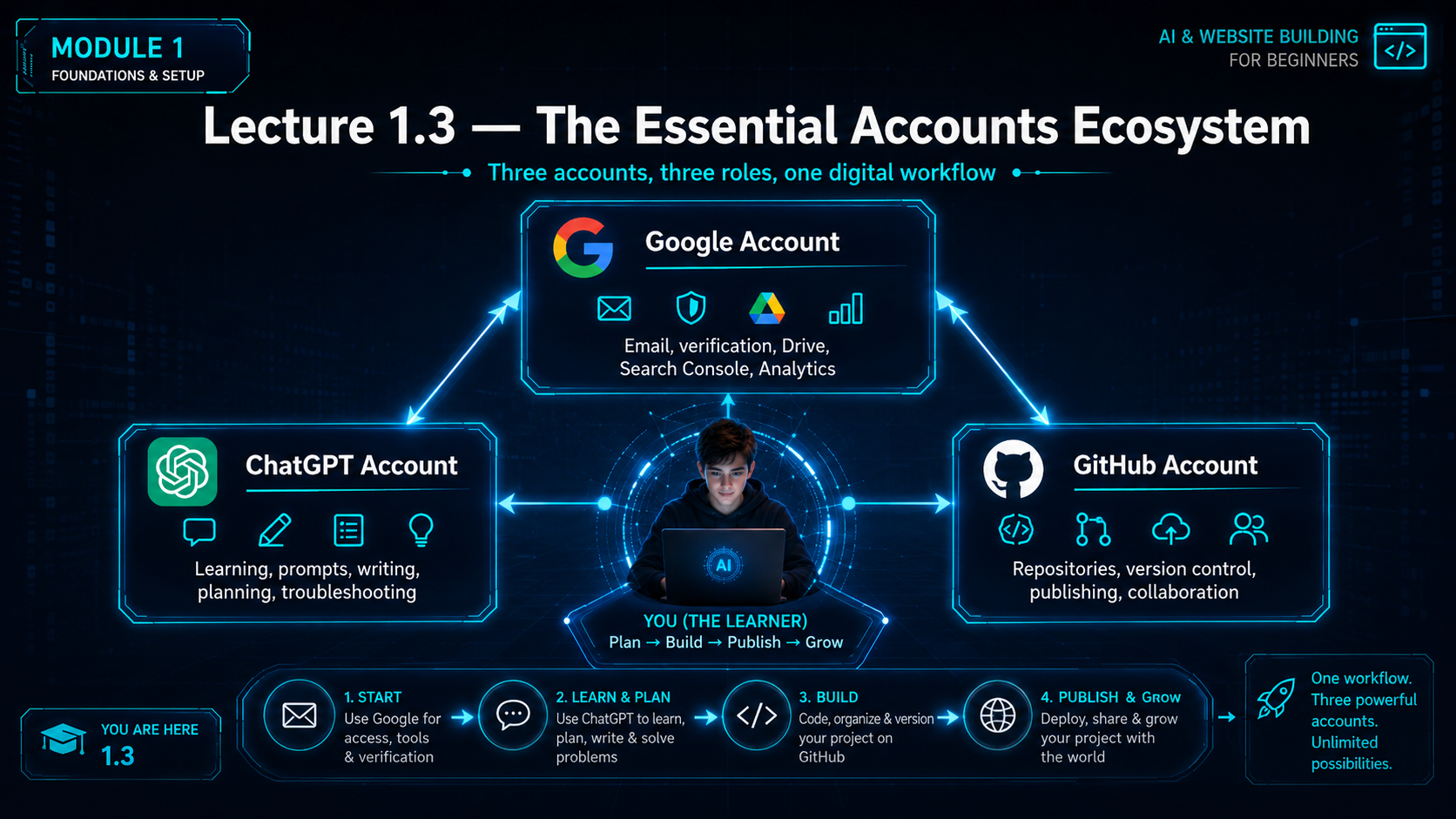
Three accounts every student needs
Google Account
Used for Gmail, Google Drive, Search Console, Analytics, YouTube and account verification.
ChatGPT Account
Used for explanations, prompts, planning, writing, learning support and troubleshooting.
GitHub Account
Used for storing website files, version control, GitHub Pages publishing and collaboration.
Setup Checklist
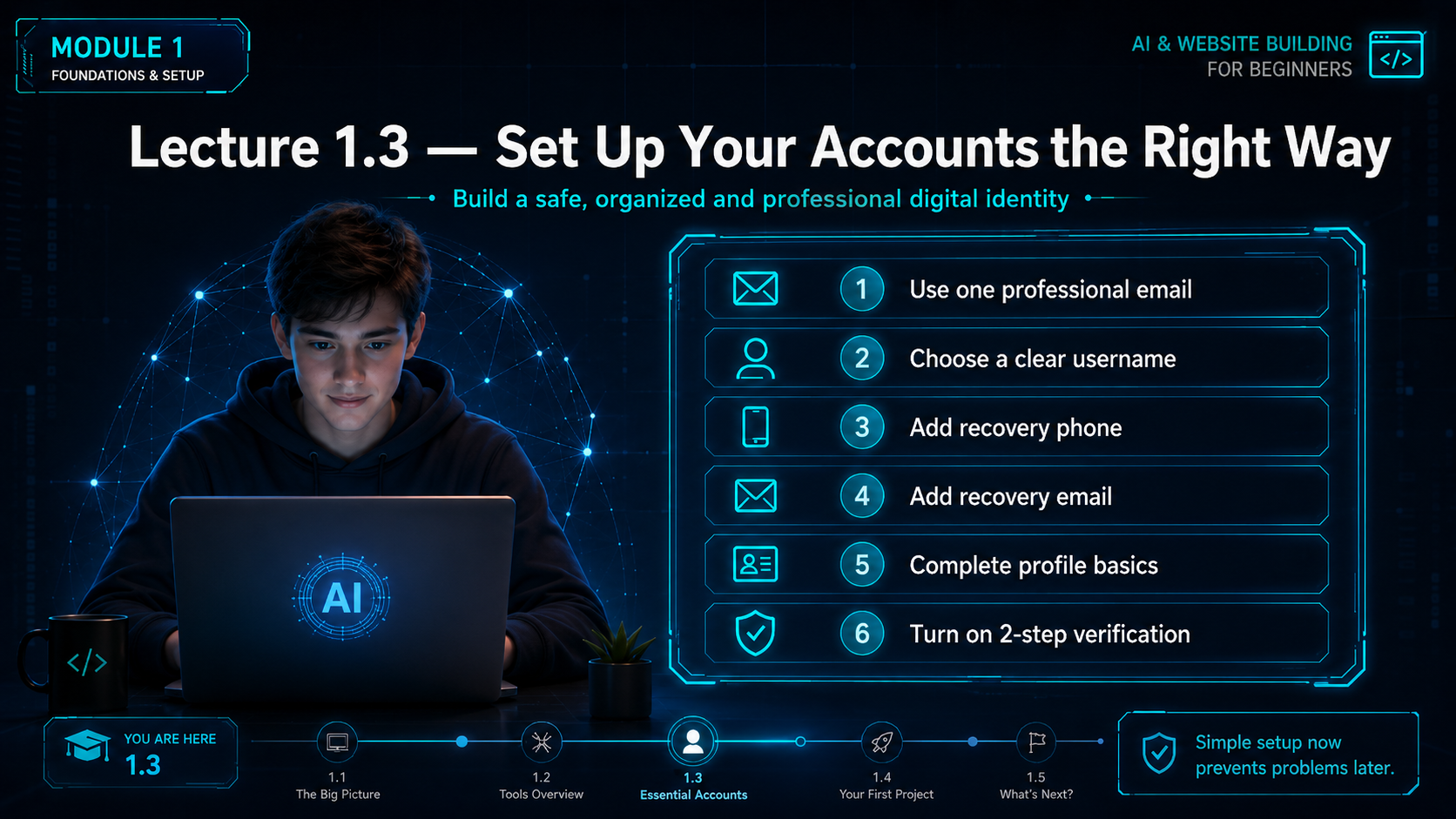
Create accounts the right way
| Step | What to do | Why it matters |
|---|---|---|
| 1 | Use one professional email for learning and project work. | Keeps your digital work organized and credible. |
| 2 | Choose a clear username. | Your username may become part of public links. |
| 3 | Add recovery phone. | Helps you regain access if you are locked out. |
| 4 | Add recovery email. | Gives another safe way to recover your account. |
| 5 | Complete profile basics. | Reduces confusion and supports professional identity. |
| 6 | Turn on two-step verification. | Adds an extra security layer beyond your password. |
Account Security
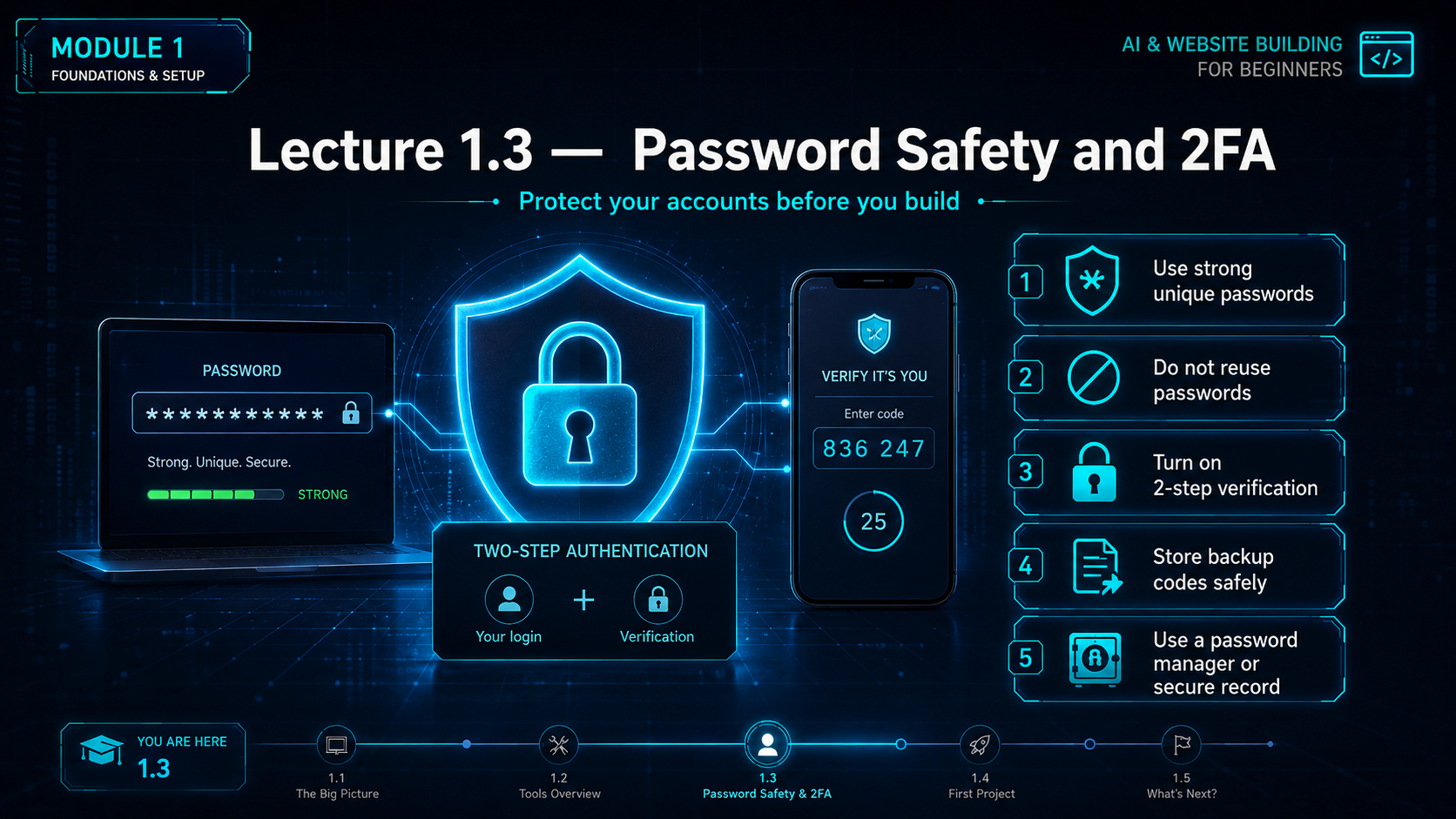
Password safety and 2FA
Use strong passwords
Use long, unique passwords. Do not use simple names, birthdays or common words.
Do not reuse passwords
If one account is compromised, reused passwords can put all accounts at risk.
Turn on 2-step verification
Use a phone, authenticator app or backup code method where available.
Store backup codes safely
Keep backup codes offline or in a secure password manager.
Use a password manager
A trusted password manager helps store and generate strong passwords.
Never share passwords
No course, teacher, friend or platform should ask for your password.
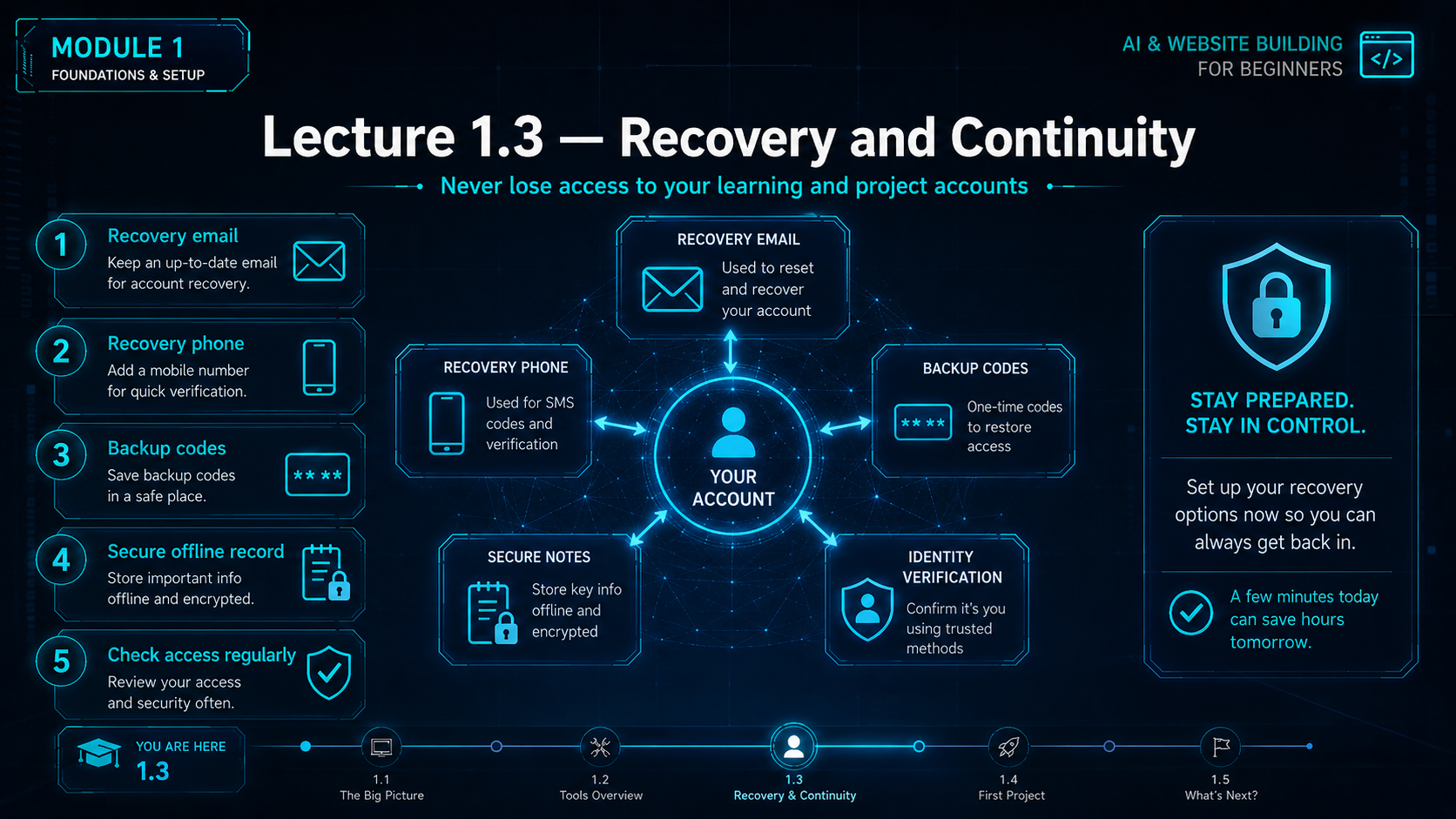
Recovery Plan
Never lose access to your learning accounts
Recovery email
Keep an active email address that you can access.
Recovery phone
Add a phone number that belongs to you.
Backup codes
Save backup codes in a safe offline record.
Secure notes
Maintain a private account notebook or password manager record.
Regular checks
Review account recovery settings every few months.
Trusted devices
Use your own device and avoid logging in on public computers.
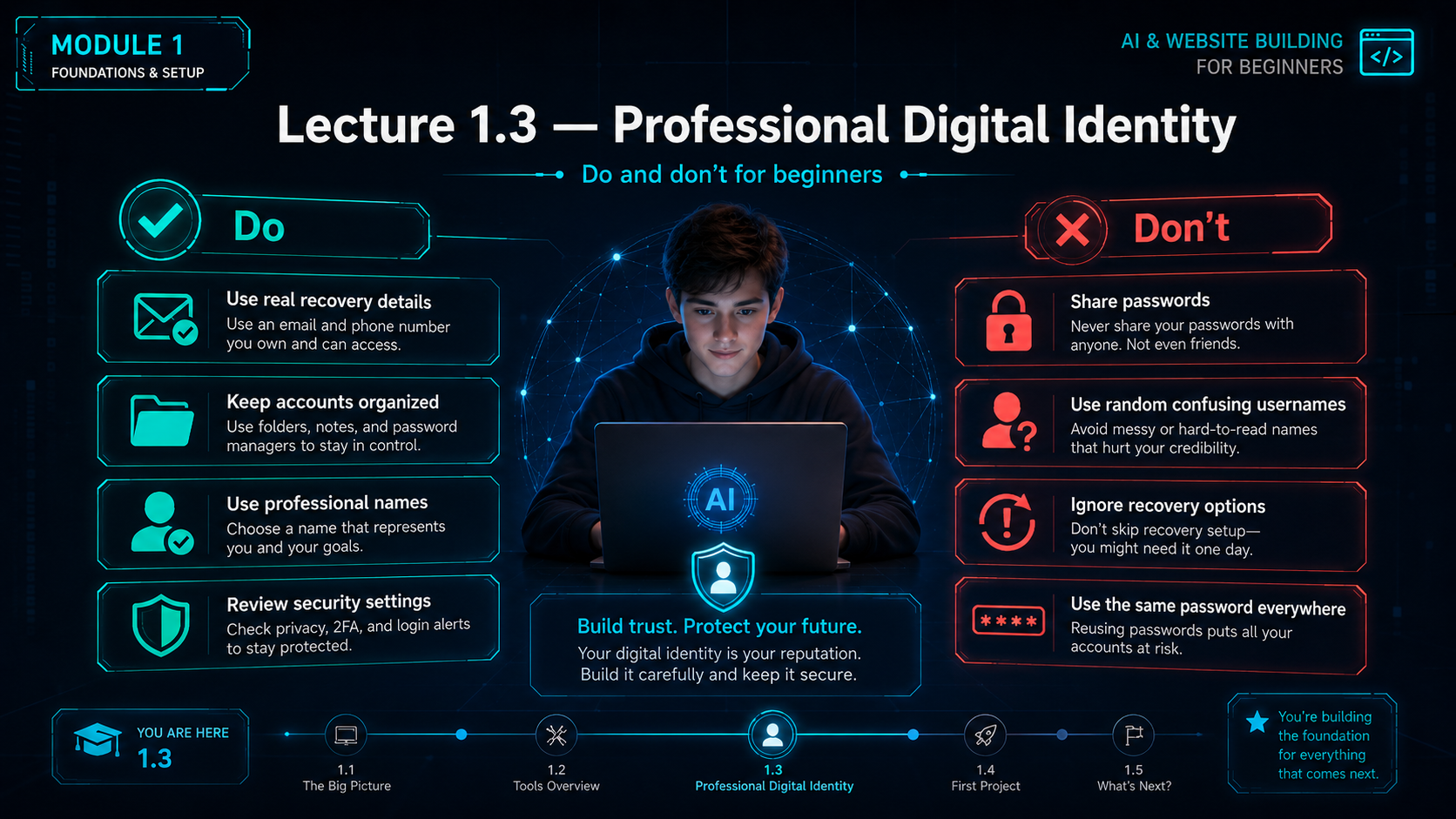
Digital Identity
Do and do not for beginners
Do
- Use real recovery details.
- Keep accounts organized.
- Use professional names.
- Review security settings.
- Save important account details safely.
Do not
- Share passwords.
- Use confusing usernames.
- Ignore recovery options.
- Use the same password everywhere.
- Use random emails you cannot access later.
Lecture 1.3 Prompt Lab
Essential Accounts Prompt Library
Students should copy and use these prompts to set up their accounts safely and confidently.
Create a beginner checklist for setting up the accounts I need for building and publishing a website. Include Google account, ChatGPT account, GitHub account, and domain registrar account. Also include password safety and recovery tips.
Act as a beginner-friendly digital identity coach. Help me choose a professional email and username style for learning, GitHub, websites, and future online projects. Explain what names to avoid.
Explain why a Google account is useful for a beginner website-building student. Include Gmail, Drive, YouTube, Search Console, Analytics, and account verification in simple language.
Explain how I can use a ChatGPT account for learning website building, improving prompts, writing content, planning pages, solving errors, and understanding digital tools.
Explain GitHub to me like I am a complete beginner. Tell me why I need a GitHub account for website files, repositories, version control, GitHub Pages, and publishing.
Act as a digital safety teacher. Create a simple account security checklist for a beginner. Include strong passwords, password managers, two-step verification, recovery email, recovery phone, backup codes, and what not to share.
Practice Task
Before Lecture 1.4
Task 1
Create or confirm your Google account, ChatGPT account and GitHub account.
Task 2
Turn on recovery options and two-step verification wherever possible.
Task 3
Create a private account record with account name, email, recovery method and date created. Do not write passwords in an unsafe place.
Final Checklist
Lecture 1.3 complete
- I understand that accounts are my digital identity.
- I know why Google, ChatGPT and GitHub accounts are needed.
- I understand why recovery email and phone are important.
- I understand password safety and two-step verification.
- I know not to share passwords with anyone.
- I have started a private account record.
- I have used at least two prompts from the Prompt Lab.
Copyright Notice
FutureWorld Intelligence materials
© 2026 FutureWorld Intelligence. All modules, lectures, prompts, visuals, graphics, downloadable files and instructional designs are protected intellectual property. Students may use this material for personal learning and may share official links. Copying, re-uploading, selling, modifying, packaging, distributing or presenting this material as someone else’s work is not allowed without written permission.
Read Full Copyright NoticeEvidence and maintenance record
Source basis and lineage
Account-creation guidance is supported by current official GitHub and OpenAI documentation.
Scope note: Account eligibility, authentication options and privacy controls can change. Use unique passwords and multi-factor authentication where available.
Sources and lineage reviewed 16 July 2026.